Why am I only seeing "Pass" tags?
When you first install the ReplyHunter extension and start browsing X, you might notice that every post has a Pass tag attached to it. It's easy to assume the extension isn't working correctly, but this is actually expected behavior!
A "Pass" tag simply means that the posts in your current feed or niche are considered "low-level" from an impressions and engagement perspective. The extension evaluates the potential reach of a post and advises you to pass on it if replying wouldn't yield significant visibility.
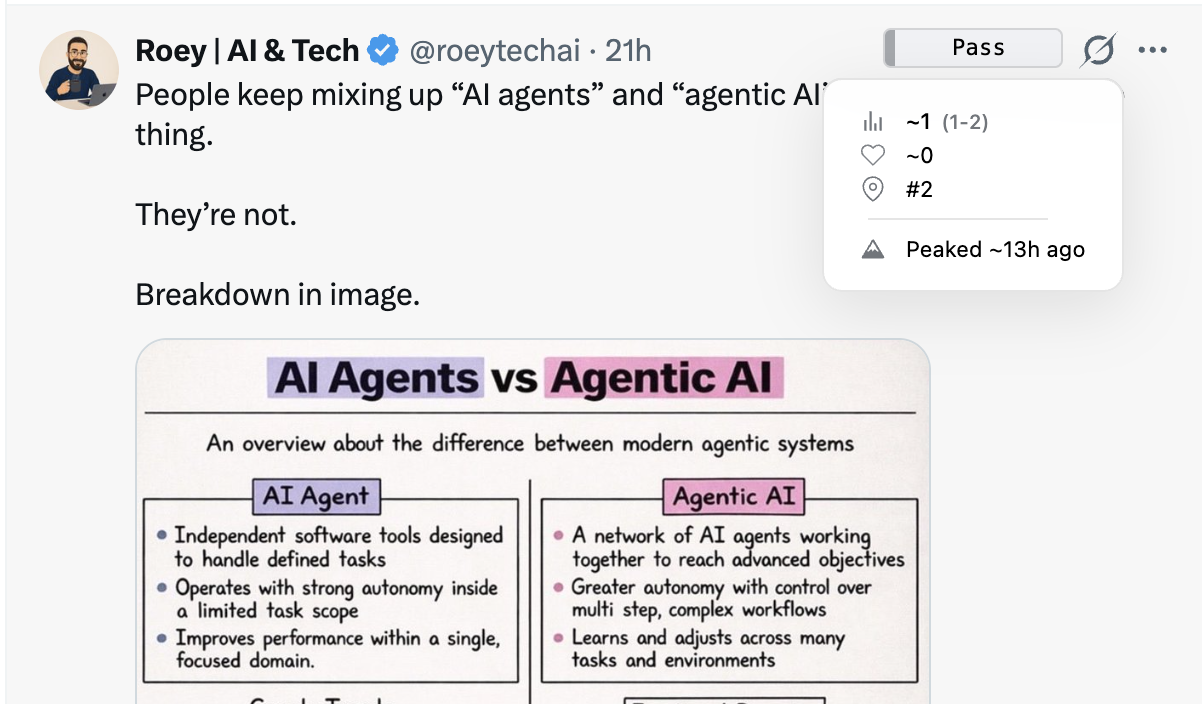
How to find "Reply" tags
To start seeing Reply tags, you need to explore posts with higher engagement potential. We recommend checking out broader, highly active topics such as:
- Video games and Esports
- Sports and live events
- Trending "doom-scrolling" or viral videos
- Major tech announcements
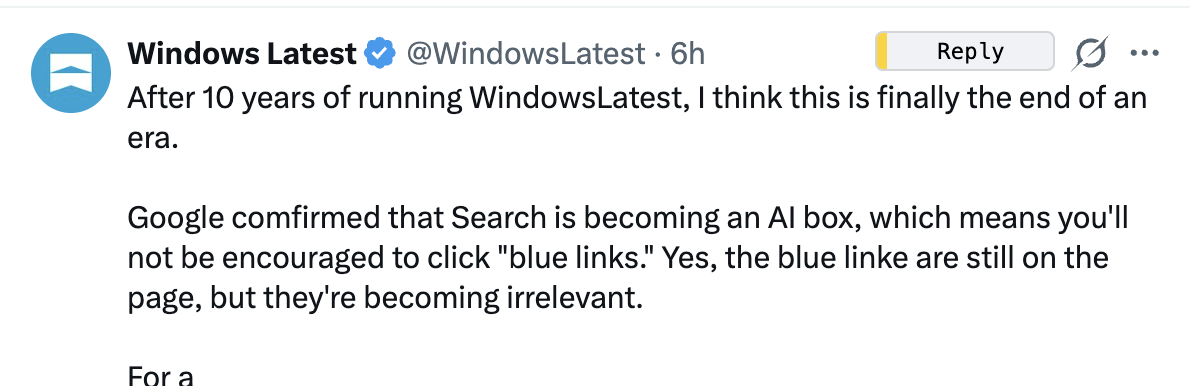
When you navigate to these high-traffic areas, ReplyHunter will start identifying valuable opportunities and display the Reply tag, letting you know it's a great time to engage.
💡 Tip: Use the following list—Impressions Farming—to easily find high-value posts.