Installation Guide
Follow these simple steps to install and activate the ReplyHunter extension:
- Create an account from the following link: https://www.replyhunter.co/signup
- An email with an activation code will be sent to your registered email address.
- Download the ReplyHunter extension from the Google Chrome Store using the following link: Chrome Web Store Link
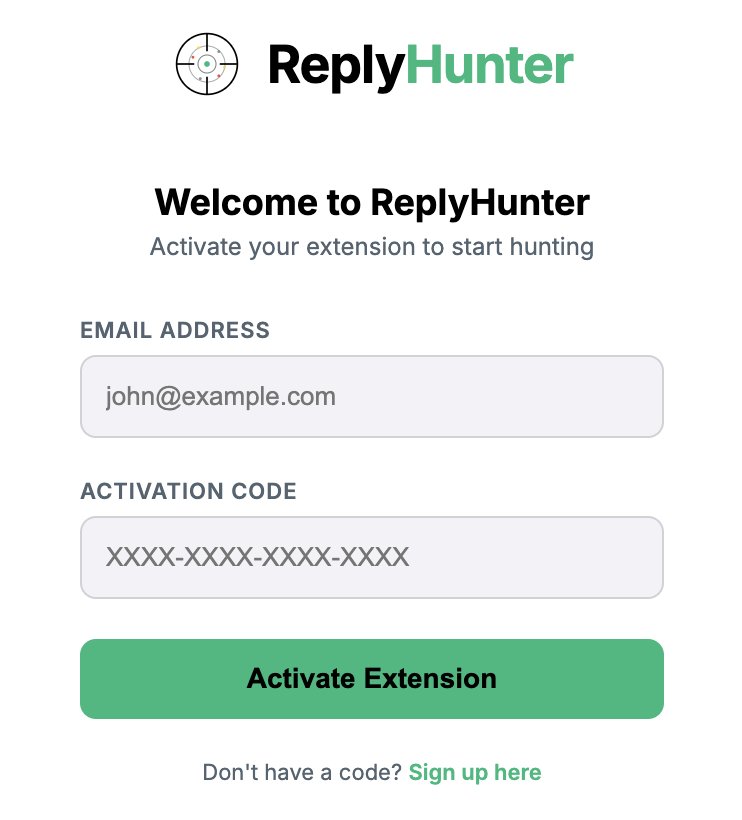
- Sign-in to the extension using your registered email address and the activation code.
Here is what the extension sign-in popup looks like: